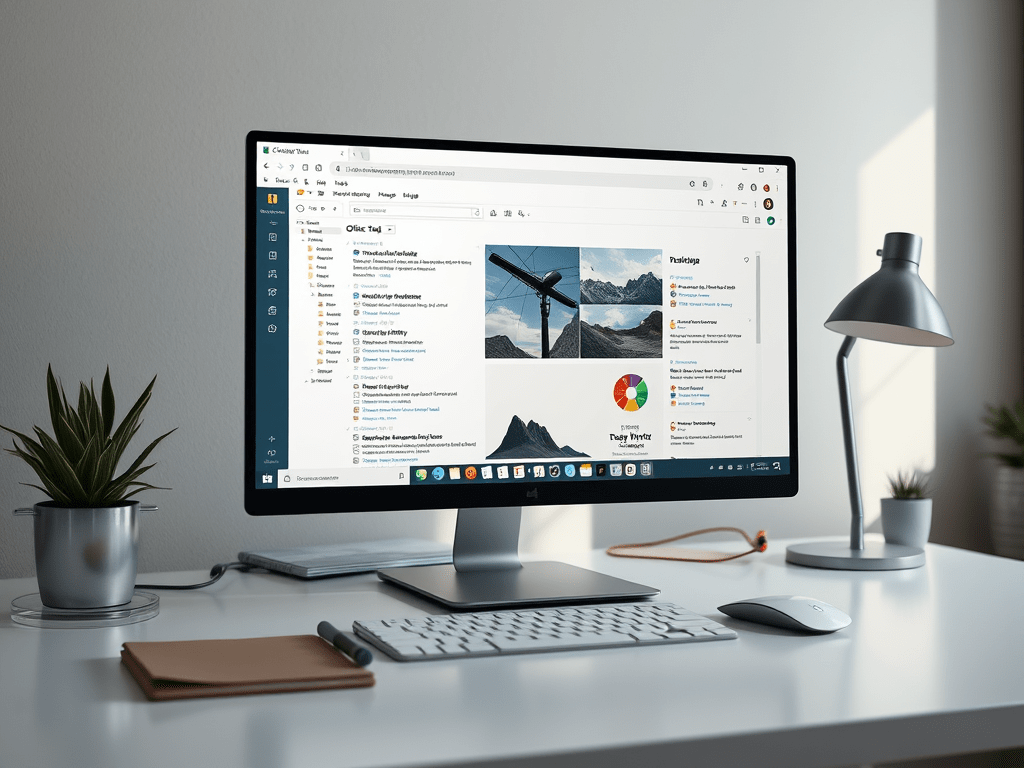
Deep work is gaining popularity and we all embrace minimalism now, knowing that less is more. Therefore, I wanted to to share low and high tech solutions that have been a lifesaver for me in terms of focus:
–Office Tab – Ever get frustrated when you have to open multiple Word, Excel, or PowerPoint files and each one takes up an entire window, forcing you to constantly switch between them or split your screen? Those days are over! Now you can have each file in its own tab, which is honestly all you need.
I particularly appreciate their pricing model ("buy once, use forever").
More Word hacks:
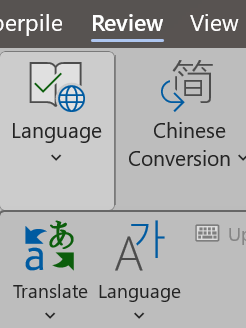
–The Translate button—located under Review>Language>Translate—works surprisingly well! It maintains the original formatting and is compatible with Excel and PowerPoint, too. I've added it to my quick-access toolbar for convenience.
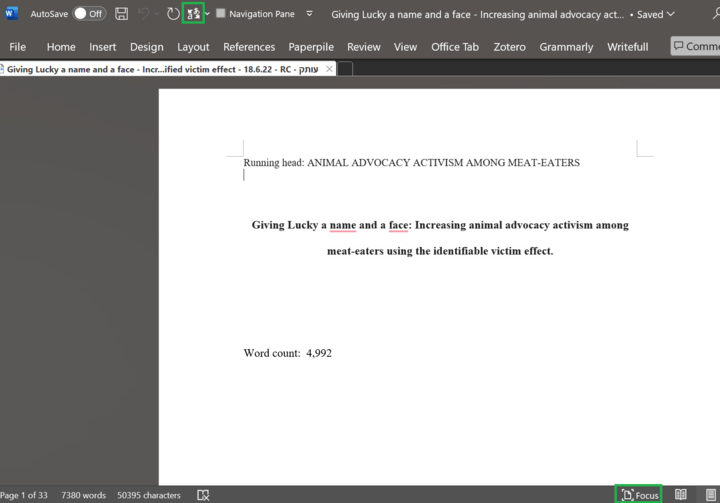
–Focus mode – Helps eliminate distractions while working.
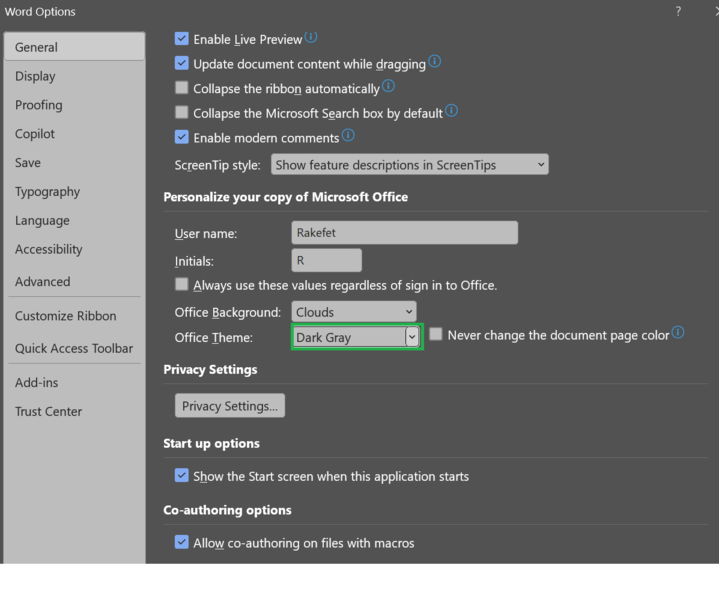
–Office theme – Under Options, select Dark gray theme – works similar to focus mode for me.
-Last but not least: Auto Hide Mouse Cursor. Tired of having to hide your cursor manually in the corner of the screen? Download this simple app that does exactly what it says. I set it to hide it after 2 seconds.
Have fun!
לגלות עוד מהאתר Rakefet Cohen Ben-Arye
יש להירשם לעדכונים כדי לקבל את הפוסטים האחרונים לאימייל שלך.
